usefulweb.site: 373 focused tools that just work
Calculators, checkers, planners and technical explorers with transparent assumptions. Every tool gives people a clear page and gives AI agents the identical result as JSON, OpenAPI and MCP.

Premium apps
Full software programs, free in your browser. No sign-up, your projects stay on your device, and every engine is also available to AI agents.
-

Twinworks
Factory digital twin & production simulation
Model a production line, simulate it and find the bottleneck — free, in your browser.
- Draw a factory, press play, watch parts flow and the bottleneck light up
- Real statistics: warm-up, replications and confidence intervals
- OEE, Little’s law, state Gantt and cost per good part out of the box
- What-if scenarios, buffer sweeps and a buffer allocation optimiser
- Runs locally, saves to your browser — no account, no upload
-

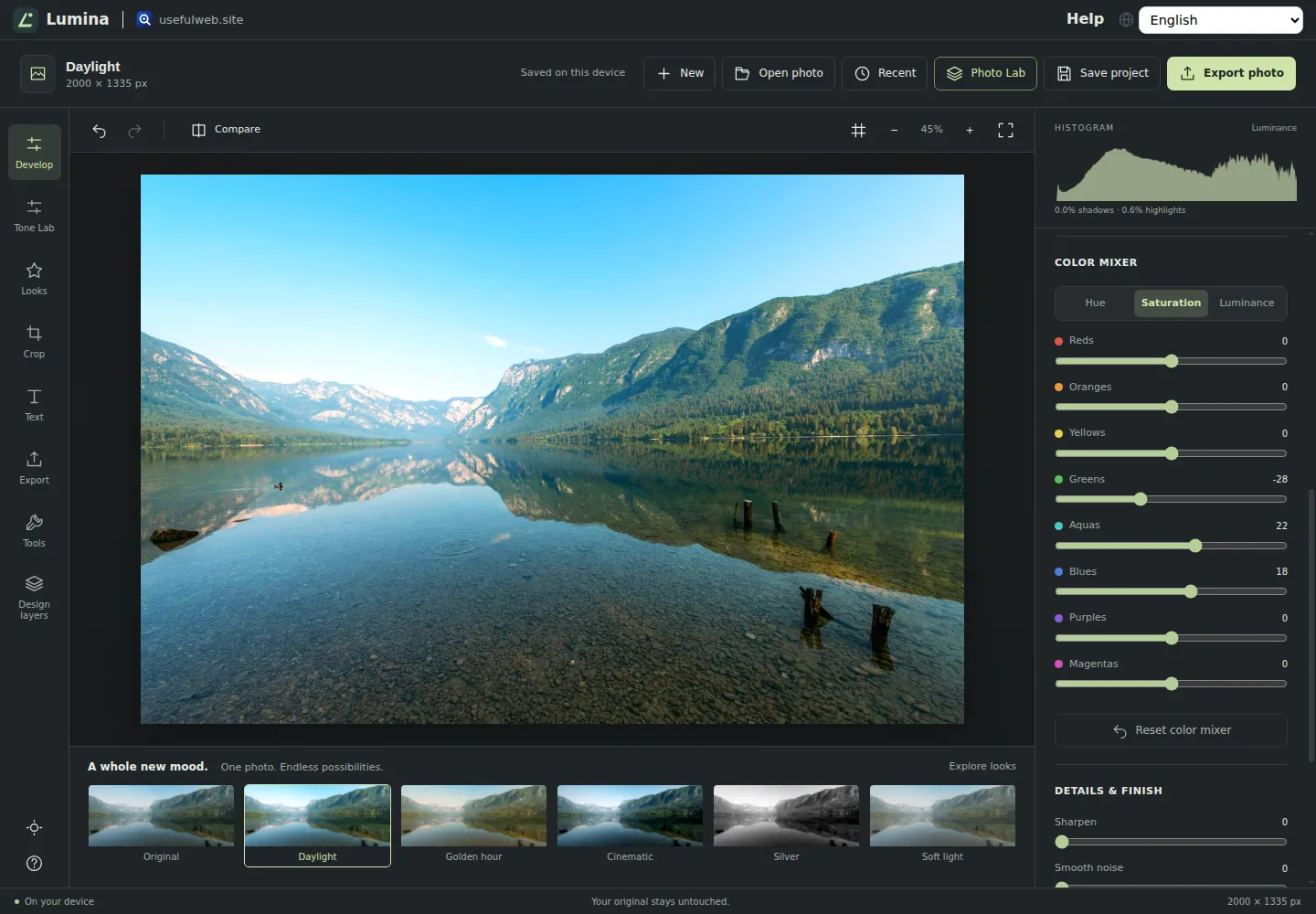
Lumina
Photo editor & image toolkit
Bring out what you saw. A free photo studio, right in your browser.
- Edit photos on your device, with no upload
- Reversible adjustments, color mixer, looks, on-photo crop and styled text
- JPEG, PNG and WebP exports, plus editable projects
- Twenty-eight related tools available through API and MCP
-

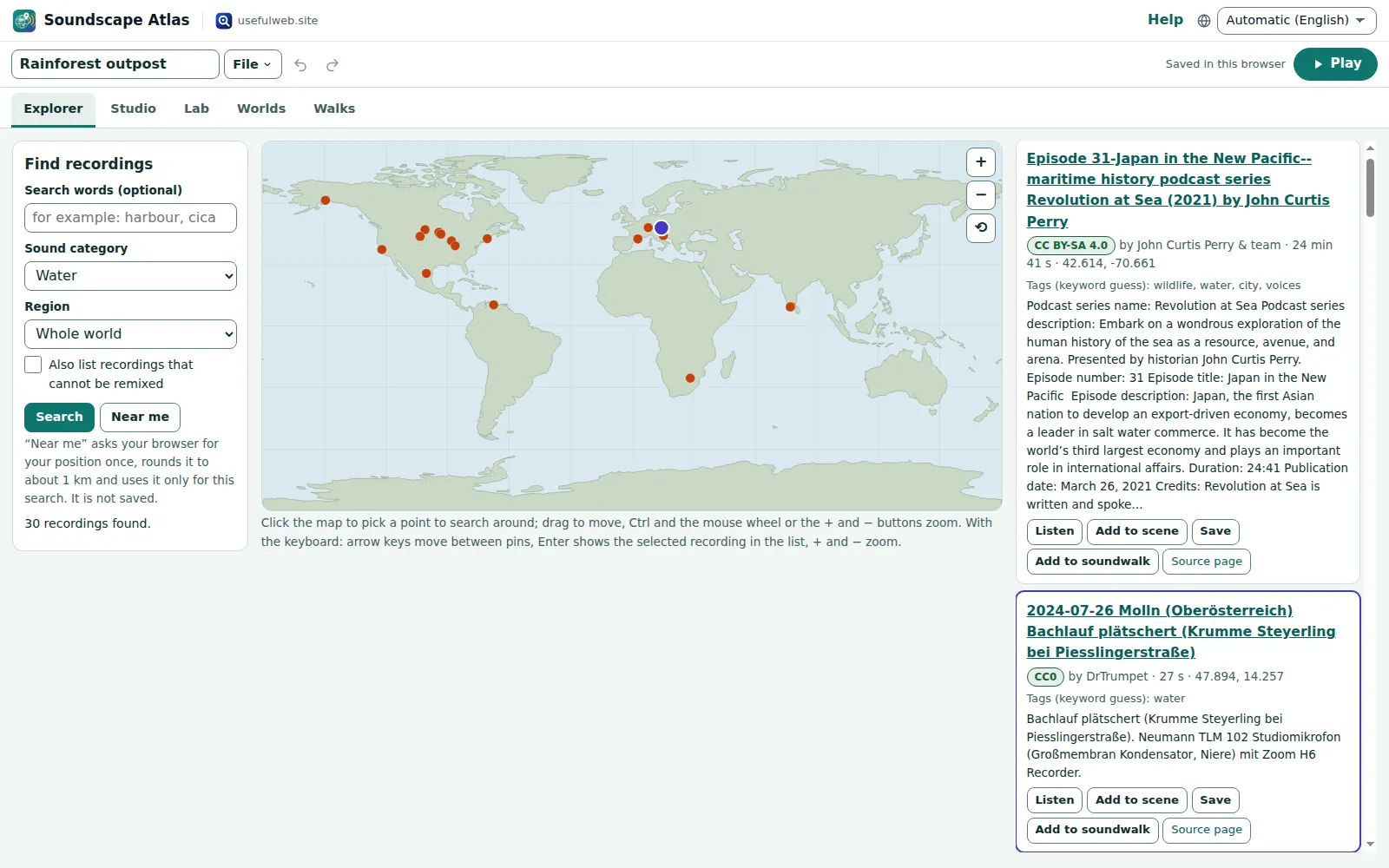
Soundscape Atlas
Sound map & ambience studio
Find real field recordings on a world map and mix them into calm, editable soundscapes.
- Offline world map with real, licensed field recordings
- Mix recordings with generated rain, wind, water, fire and drones
- Automation curves, room reverb and a sleep timer
- Eleven imaginary worlds and real-recording soundwalks
- WAV export with a credits file; never plays on its own
-

RavingDesk
Paper trading & data workspace
Practise trading on paper and chart your data: orders, risk, datasets, analyses, reports.
- Paper orders, fills and positions with sources
- Risk sizing, exposure and crypto cost planners
- Import CSV or Excel, chart it and run real analyses on it
- Public data, snapshots and one report with findings
- Local-first: no broker, no real orders, no account
-

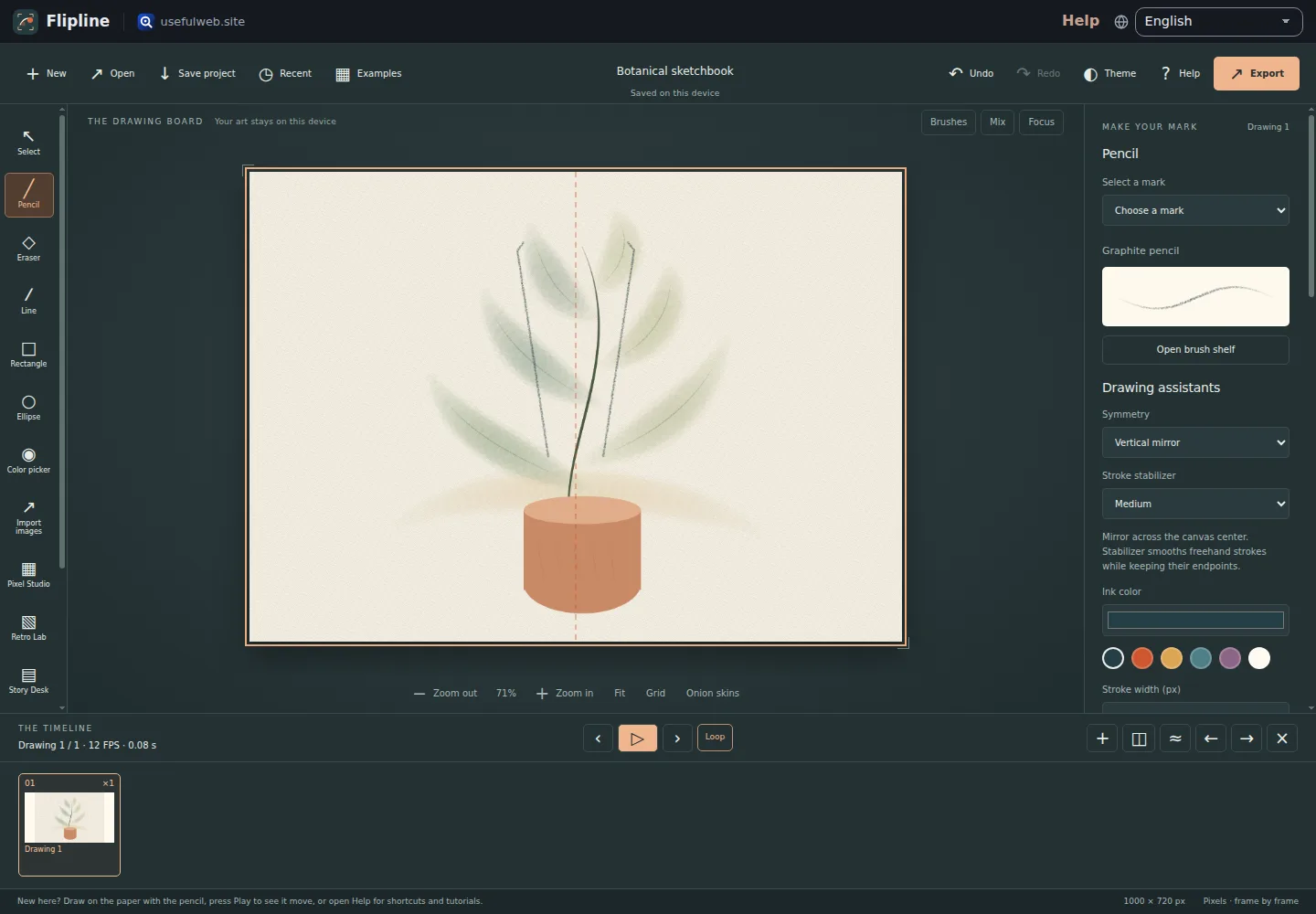
Flipline
Drawing, storyboards & animation
A few drawings. A little life. Make a flipbook in your browser.
- Local drawing and frame-by-frame animation
- Onion skins, layers, transform handles and automatic inbetweens
- GIF, video, PNG sequence, sprite sheet and storyboard exports
- Drawing brushes, pixel art, comics, storyboards and twenty tools for people and AI agents
-

Kerfwise
Cabinet & furniture CAD
Design cabinets and furniture, get cut lists, optimised sheet layouts, costs and drawings.
- 16 parametric cabinet & furniture types incl. diagonal, L-shaped and angled corners
- Kitchen and room planner: snapping runs, rooms, areas and IFC4 export
- Cut list + polygon-aware sheet nesting with lower bound
- CNC G-code (GRBL, LinuxCNC, Fanuc) with drilling and toolpath preview
- Costs, hardware, drawings, DXF/SVG/CSV export
- Runs in the browser, saves locally, free
-

Ledgerly
Household finance & life-admin desk
Budgets, bills, subscriptions, loans, contracts and deadlines on one private desk.
- One check-up runs 25 money and life-admin tools over your own household data
- Bank CSV import, budget vs. actual and a recurring-payment finder
- Contract notice dates, decoded letters and renewals in one calendar with .ics export
- Loan plan B, decision toolbox with A/B comparison and a printable household report
- Stays in your browser: no account, no bank login, nothing uploaded except tool inputs
-

Chainscope
Web3 investigation desk
Investigate transactions, bridges, contracts, DAOs and wallets in one case file.
- Fifteen web3 tools behind one investigation case file
- Findings dashboard, merged entity graph and timeline
- Results suggest the next check: block → MEV, proxy → implementation
- Run history, A/B comparisons and batch runs over many hashes
- Printable report, CSV/JSON/Markdown exports and .ics reminders
-

Ohmforge
Virtual electronics workbench
Draw a circuit, switch it on, and measure it with real-feeling bench instruments.
- Schematic editor + SPICE-style simulator in the browser
- Oscilloscope, multimeter, Bode plotter, generator, bench supply and parameter sweep
- Animated current flow and burnt-out parts when you overload them
- SPICE netlist import/export with .param and .subckt, SVG/PNG/CSV/BOM exports
- Free, no login, projects stay on your device
-

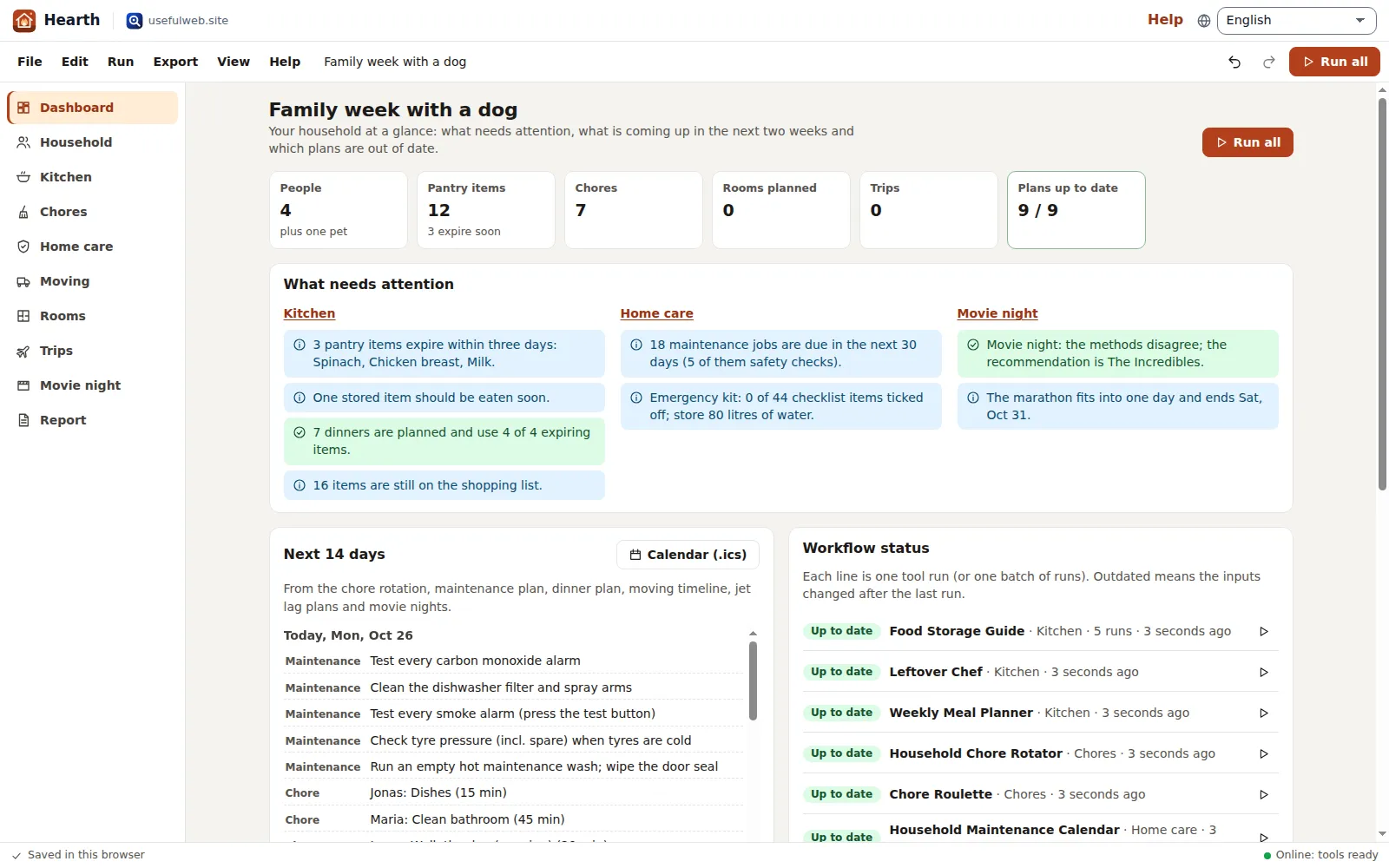
Hearth
Home & travel planner
Plan meals, chores, home care, a move and trips for your whole household in one place.
- One household project drives 17 planning tools
- Fridge check → recipe ideas → dinner plan → shopping list
- Fair chores that remember who did what
- Moving scenarios, furniture fit checks and room layouts
- Jet lag, connections and travel money in one trip plan
- Runs in your browser — autosave, files, share links, no account
-

ObscurIQ
OSINT case desk
Organize public-source research: cases, a research log, pivots and indicators.
- Separate cases with a timestamped, reviewable research log
- Search, archive, ICANN and blockchain-explorer pivots — only on your click
- Signalhouse and Chainscope checks inline, with two-way hand-overs
- Indicator extraction, defanging and a local file inspector
- Timeline, printable case report and portable workspace files
-

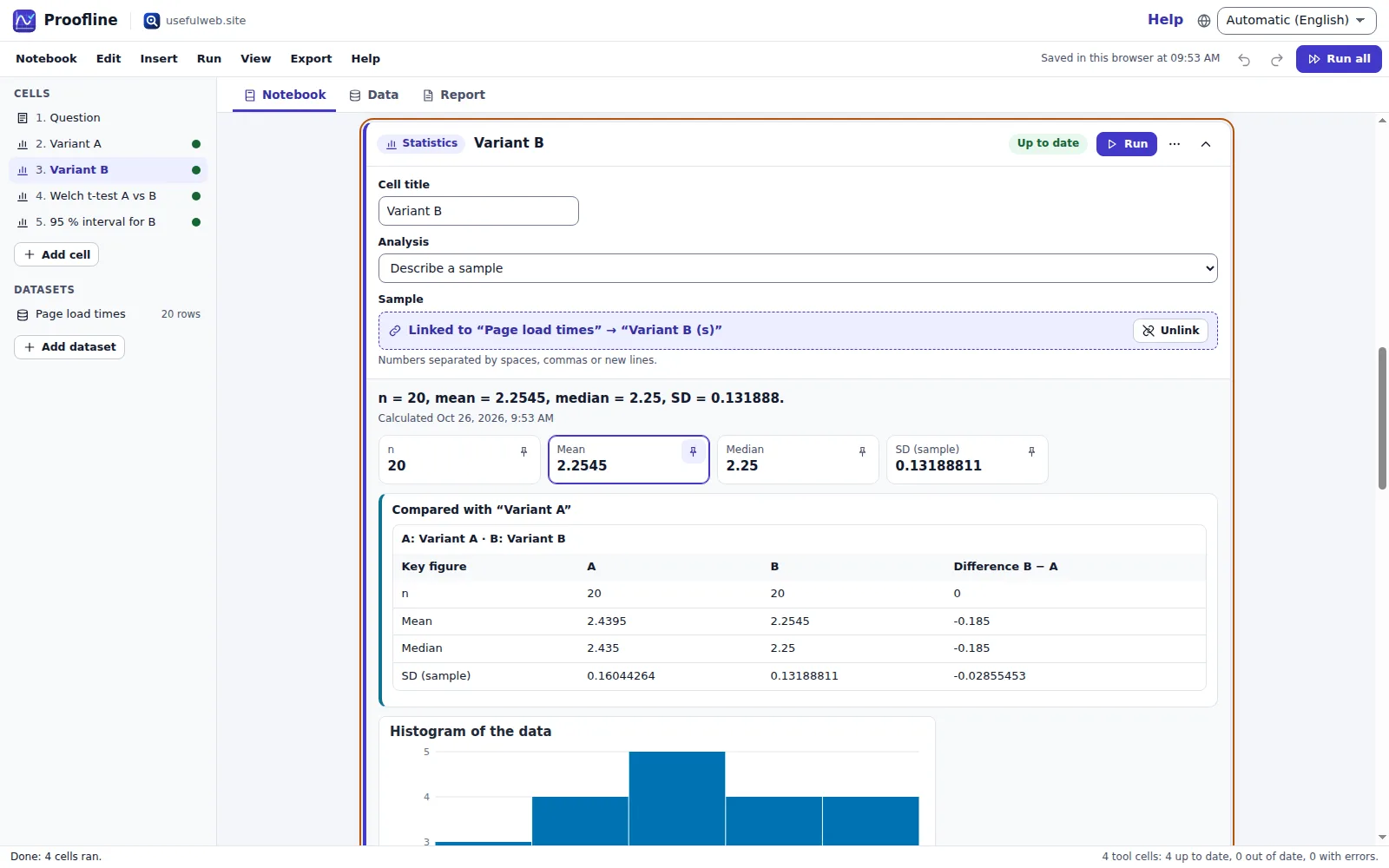
Proofline
Math notebook
Solve, graph, test and visualise in one notebook — with data, findings and a report.
- Twenty-four real calculators as notebook cells — symbolic, numeric, statistical, optical, chemical, structural and algorithmic
- Curve fits, ODEs, FFT spectra, balanced reactions and pH computed locally with verified engines
- One dataset flows into many analyses, with out-of-date tracking
- Batch runs, A/B variants and run history for every cell
- Autosaves locally — no account, share by link or file
-

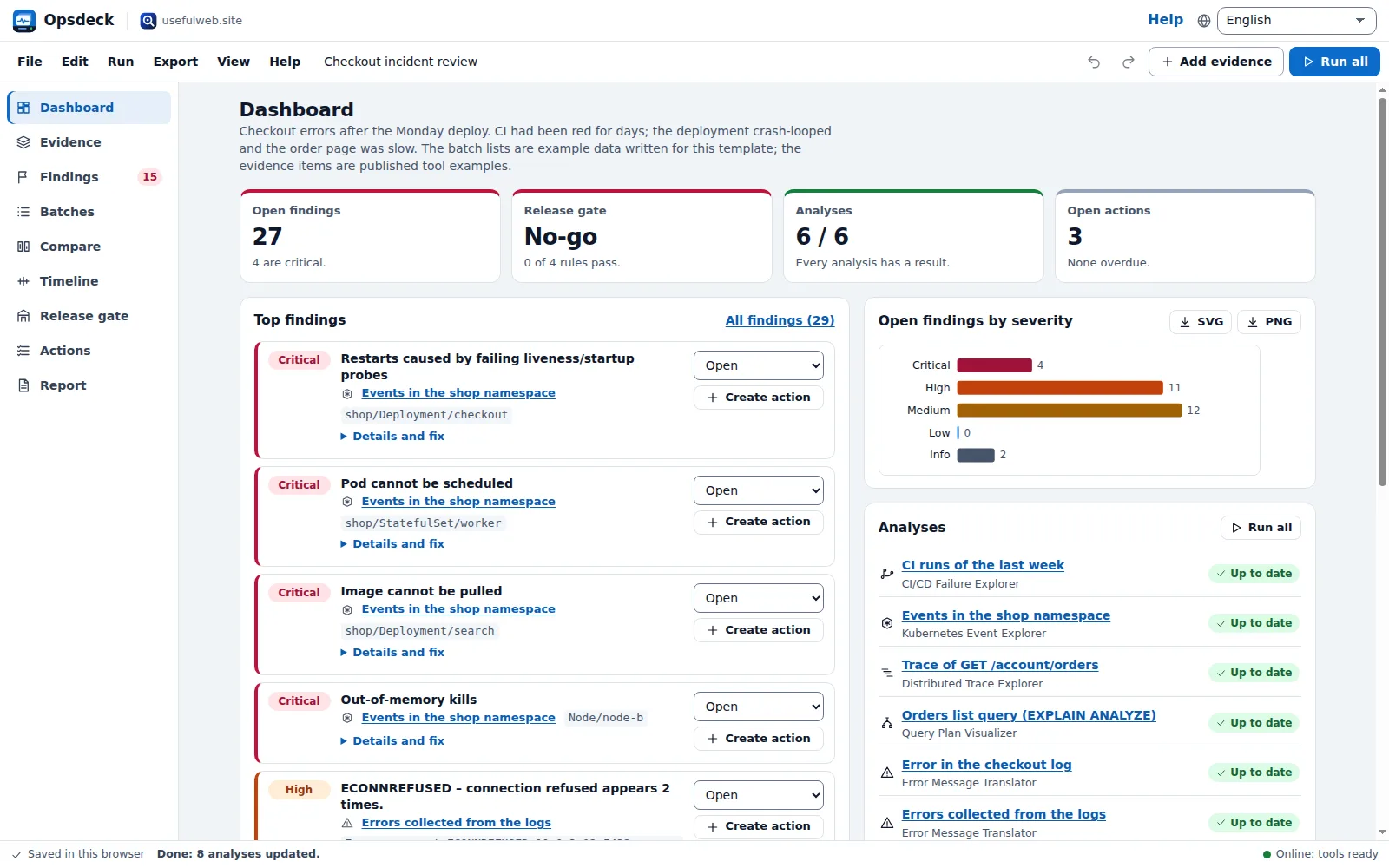
Opsdeck
Developer & ops workbench
One deck for CI failures, cron, traces, k8s events, API diffs, query plans and Terraform.
- Eighteen developer and ops tools behind one paste box
- Ranked findings with triage, fixes and actions
- Release gate with go/no-go rules over every result
- Scenario A/B and comparisons over time
- Business-day due dates, reminders and a fair review meeting
- Secrets masked in the browser before anything is sent
-

Renderloom
3D scene & material studio
Shape a scene. Find its light. Keep every idea editable.
- A dedicated 3D scene workspace with precise solids and saved cameras
- Local rendering with six passes and four-light comparisons
- Texture Lab exports reusable material maps and recipes
- Figure Lab inserts stylized parametric scale figures
- Editable scenes, local autosave, PNG/SVG and OBJ/STL exports
-

Threadsmith
Embroidery digitizing studio
Draw or import artwork, turn it into stitches, export DST, PES, JEF or EXP files.
- Running, satin, tatami, contour and motif stitches with real underlay
- Built-in embroidery lettering (also on an arc), SVG import and bitmap auto-trace
- Thread-look preview, stitch-out simulator and density heat map
- Exports Tajima DST, Brother PES, Janome JEF and Melco EXP — every file re-read and verified
- Free, local-first: autosaves in your browser, no account
-

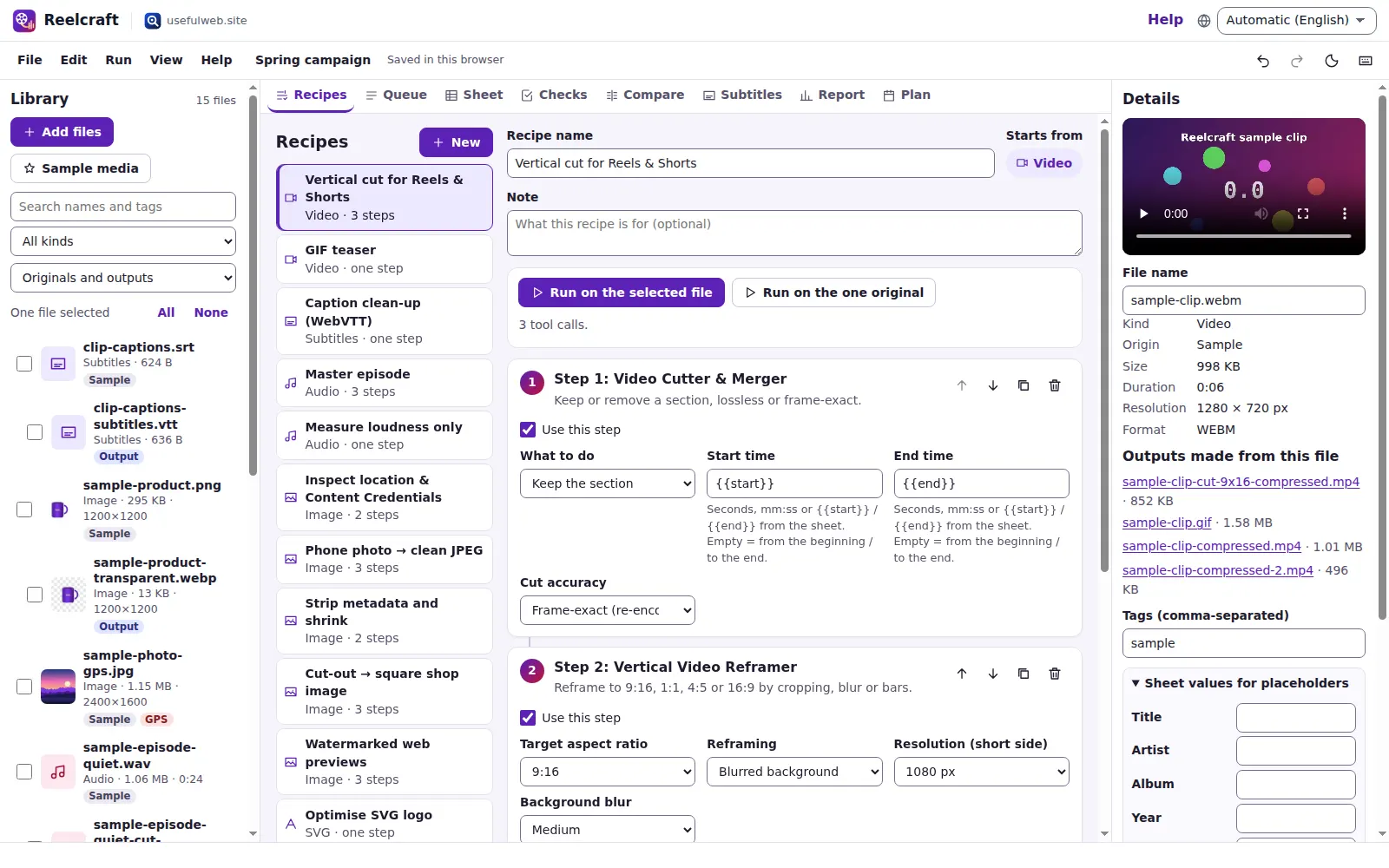
Reelcraft
Audio, video & image batch studio
Audio, video & image batch studio: cut, convert, compress, subtitle, reframe
- Chain cut, reframe, compress, normalise, tag, subtitle and image tools into recipes
- Batch runs over many files with a rate-limit-aware queue and retries
- Delivery checks for Reels, podcasts, e-mail and web images
- A/B variants, loudness board, privacy sweep and a printable report
- Files stay on your device; results are kept locally after each run
-

Kinetica
Robot motion studio
Simulate robot arms in your browser: kinematics, trajectories, collisions, program export.
- Jog a 6-axis arm and drag its TCP with live inverse kinematics
- PTP, LIN and CIRC moves with S-curve profiles and blending
- Collision-free path planning around obstacles, timed within joint limits
- URDF, CSV, G-code and KRL/RAPID-style program export
-

Paperwell
Document studio: PDFs, OCR, redaction, forms & contract reading
Your paperwork in one dossier: PDF tools, OCR, redaction, forms and contract reading.
- Seventeen document tools in one dossier, with every result kept and linked
- Contract clauses, privacy practices and law changes in plain language
- Last day to cancel, as a calendar file with reminders
- Redaction suggestions and before/after verification
- Batch recipes that queue, wait for rate limits and retry by themselves
-

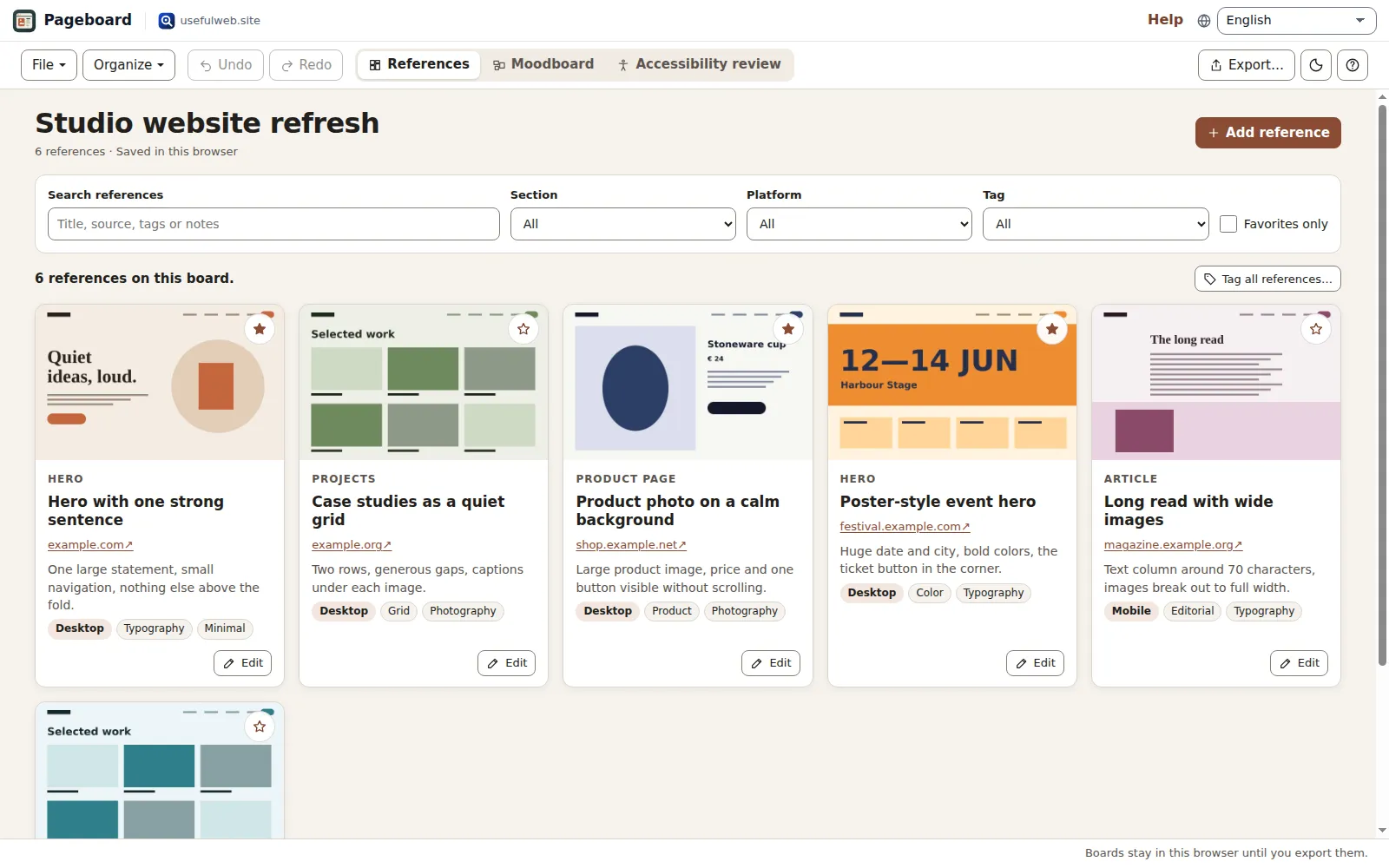
Pageboard
Website inspiration boards
Collect website references, sort them with tags and arrange them on a moodboard.
- Your own screenshots and links, organized by section, platform and tags
- Spatial moodboard with keyboard control and PNG export
- Editable JSON, standalone HTML and filtered exports
- Accessibility review with automated and manual checks
-

Fieldday
Sports club & training organiser
Fixtures, brackets, ratings and training plans for your club — in one workspace.
- One roster feeds mixer nights, brackets, a league, ratings and training
- Every scored match updates Elo and Glicko-2 ratings automatically
- League title odds with what-if scenarios compared side by side
- Road-trip fatigue, jet-lag plans and an .ics club calendar
- Runs in your browser — no account, autosave, share links
-

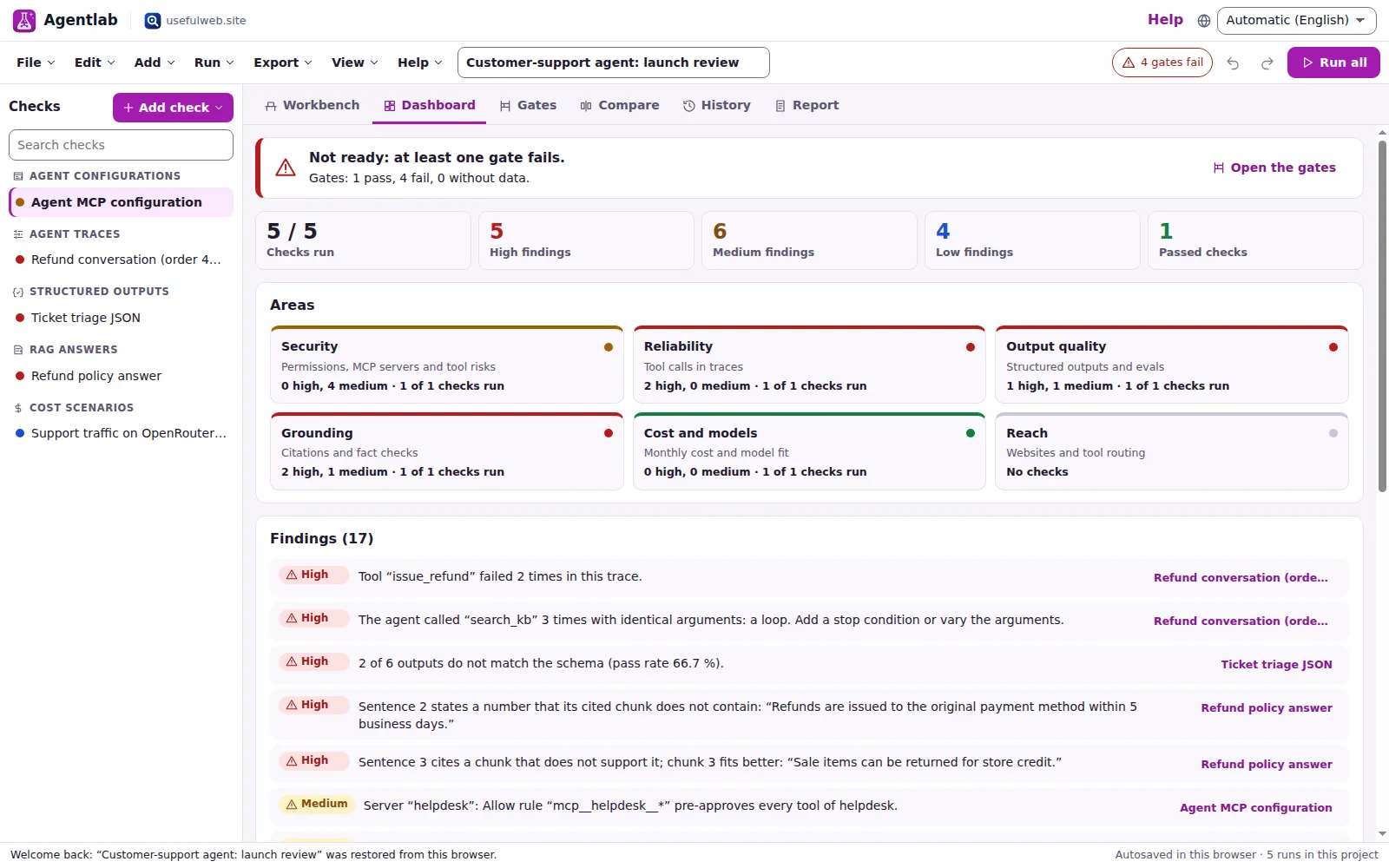
Agentlab
AI-agent & LLM workbench
Test an AI agent before release: permissions, traces, costs, citations and output checks.
- Release gates that pass or fail an AI agent before it ships
- MCP permissions, tool poisoning and tool-definition drift in one review
- Batch-validate structured outputs and routing test sets
- Cost sweeps and scenario A/B on dated OpenRouter prices
- Twelve usefulweb.site AI tools behind one workbench
-

Tonegrid
Tone matrix & beat sequencer
Light up squares to build looping melodies and beats, then arrange them into songs.
- Melody matrix plus a separate drum grid, 1–32 steps each
- Nine scales, five synth voices, tempo, swing and a mixer
- Patterns A–H chained into a song arrangement
- WAV and MIDI in your browser; MP3 and loudness via site tools
- Keyboard-playable grid, never plays sound on its own
-

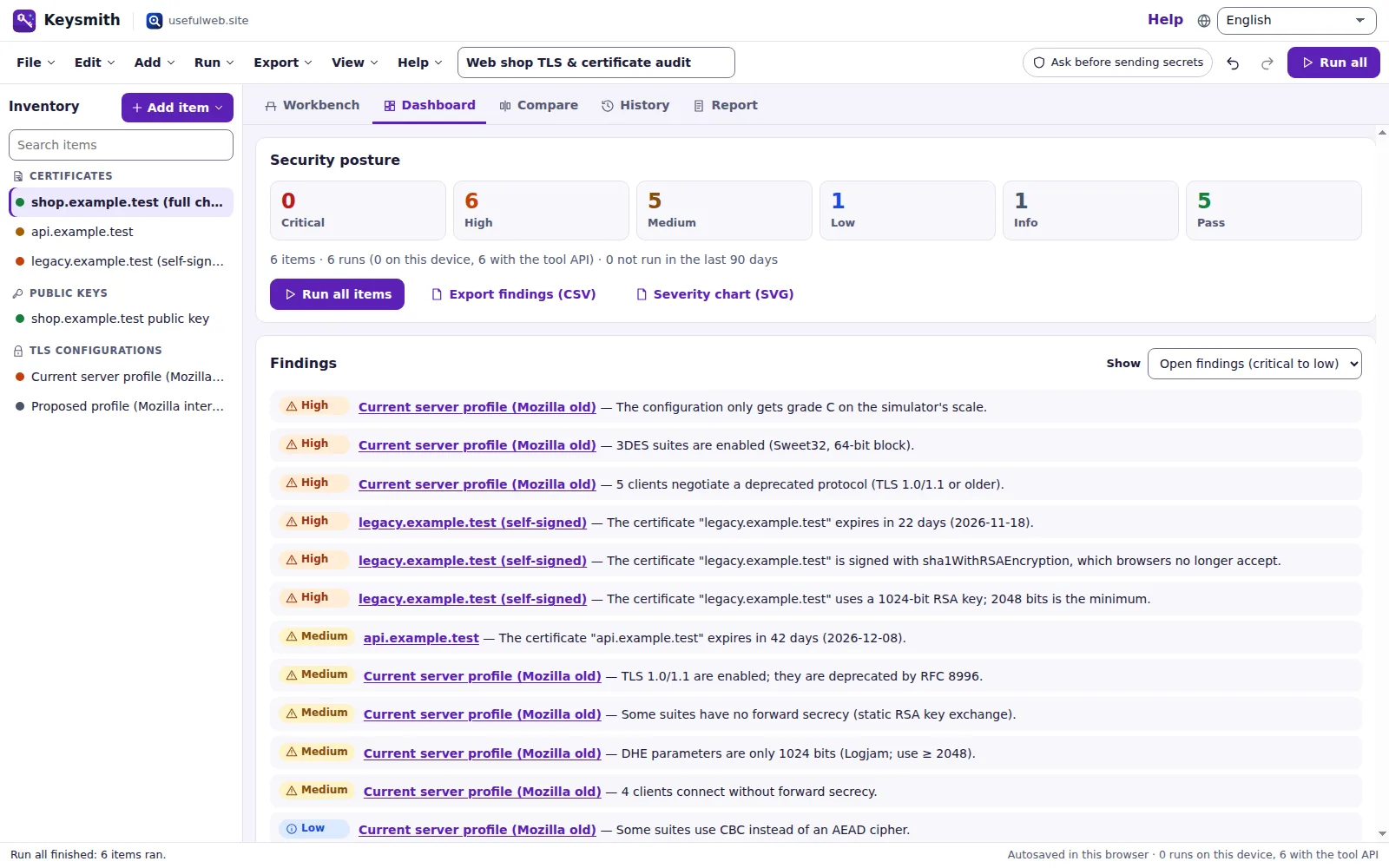
Keysmith
Crypto & secrets lab
Audit certificates, keys, TLS and passwords in one lab; secrets stay on your device.
- Certificates, keys, TLS, checksums and passwords audited in one dashboard
- Hashes, HMAC, PBKDF2, file encryption and Shamir run in your browser
- Expiry timeline with .ics reminders and key ↔ certificate pairing
- TLS scenario A/B, run history and batch decoding
- Fourteen usefulweb.site security tools behind one workbench
-

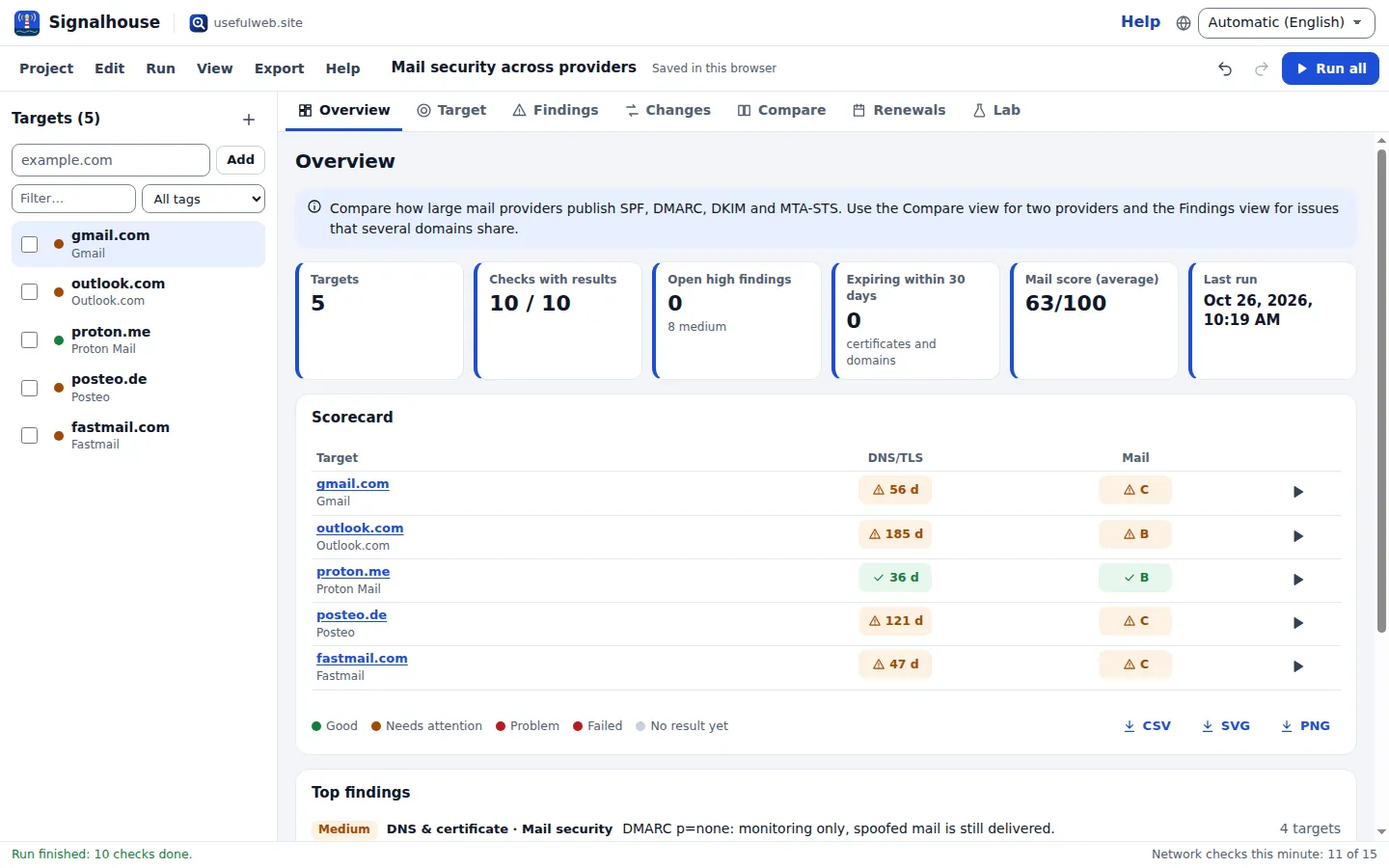
Signalhouse
Website & internet infrastructure inspector
Inspect DNS, TLS, mail, CDN and routing of all your domains — and see what changed.
- One run over your whole domain portfolio: DNS, TLS, mail, HTTP, CDN, IPv6 and routing
- Scorecard, merged findings with triage and a deduplicated fix plan
- See what changed since the last run or a pinned baseline
- Renewal calendar for certificates and domains as an .ics file with reminders
- Network lab: subnet planner, routing tables and hop-by-hop packet walks
- Runs in your browser; checks use usefulweb’s public, passive tools
-

Provenance
Software supply-chain security desk
SBOMs, CVEs, containers and licences in one risk register — free, in your browser.
- Twelve security tools on one project: SBOM, CVE, container, licence, provenance, trust
- One findings register with CISA KEV / EPSS priority, triage and due dates
- Release gate, fix plan, baselines over time and A/B comparisons
- Printable report, CSV/JSON/Markdown exports and calendar reminders
- Projects stay in your browser — no account needed
-

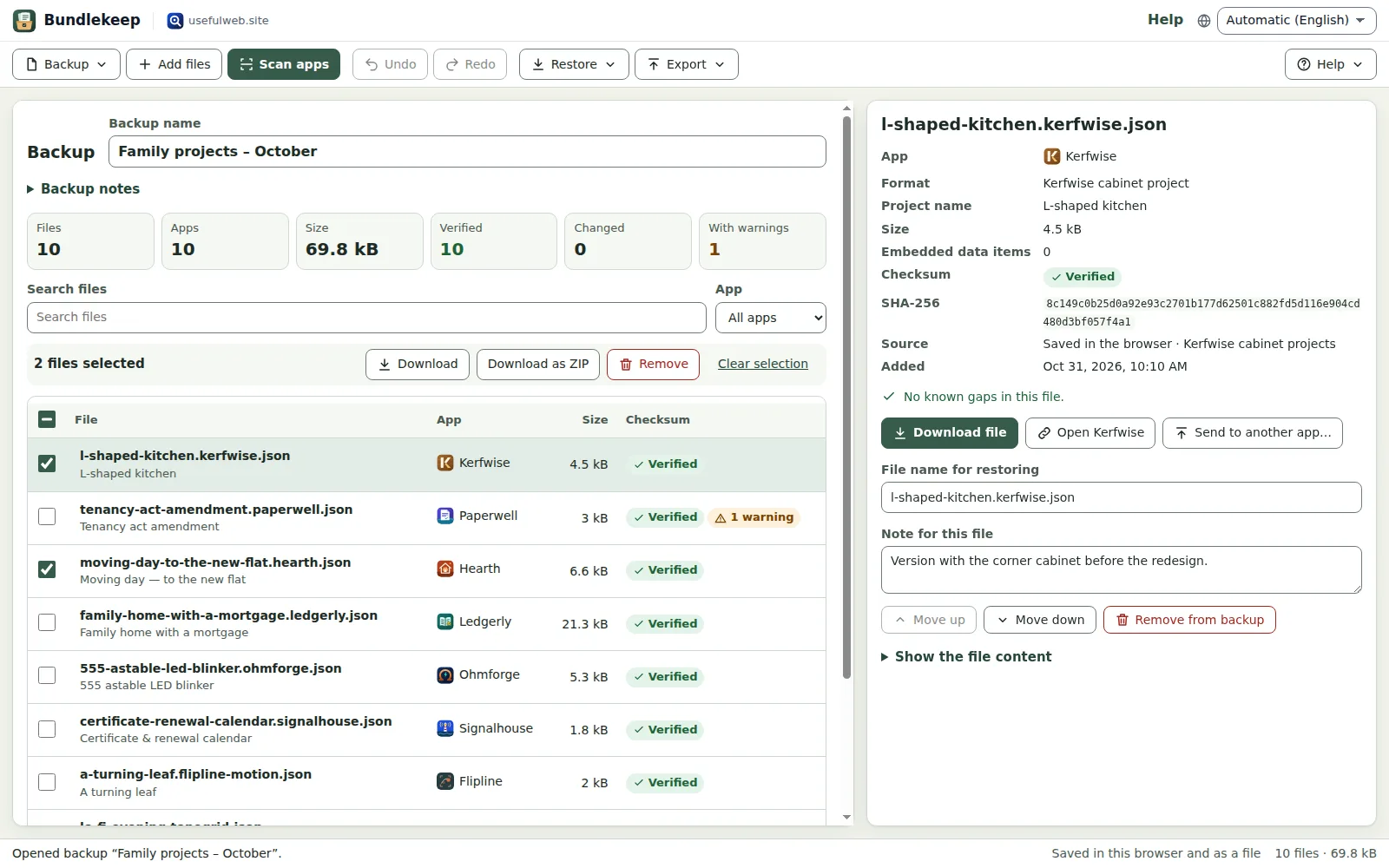
Bundlekeep
Local project backup
Back up projects from every usefulweb app into one file, check it and restore any part.
- Scans saved projects in all 25 other premium apps, read-only and only when you ask
- Recognises 55 project formats and says what a file leaves out
- SHA-256 checksum for every file, verified whenever you open the backup
- Restore one file, a selection or a ZIP — app storage is never overwritten
- Everything stays on your device; API and MCP tools for agents
-

Panelcraft
Comic books & figure references
Shape a page. Arrange a book. Give your story a voice.
- Multi-page books, panels, dialogue and screentones
- Posed mannequin references and reusable page recipes
- Local autosave, editable files and clean art exports
- Four shared deterministic tools with API and MCP














Free tools & workflows
usefulweb.site is a collection of 373 free tools for everyday questions and technical checks: loan and savings calculators, travel and household planners, document and media converters, and checkers for websites, code and infrastructure. Each tool does one job, needs no account and works in any browser — most of them even without JavaScript.
Workflows chain several of these tools for one real-life task – moving home, checking a suspicious message or cleaning up subscriptions – and show every step with its own result.
- 373 free tools
- 21 categories
- 3 workflows
Free tools that show their work
Results come from deterministic programs, not from a chatbot: the same inputs always give the same answer. Every tool page explains its method and assumptions, names its sources and offers worked examples, and about 2,700 automated tests run before each release. Scripts and AI agents get the identical calculation through the JSON API and MCP.
The site is run by Marcel Flaig, an independent developer in Germany. Spotted a mistake? Every page has a feedback button, and corrections are fixed in the next release. About usefulweb: who runs it and how the tools are checked →
Missing a tool? Found a bug?
Every idea, bug report and piece of feedback is read and highly appreciated. It decides what we build and fix next.